
Project notes
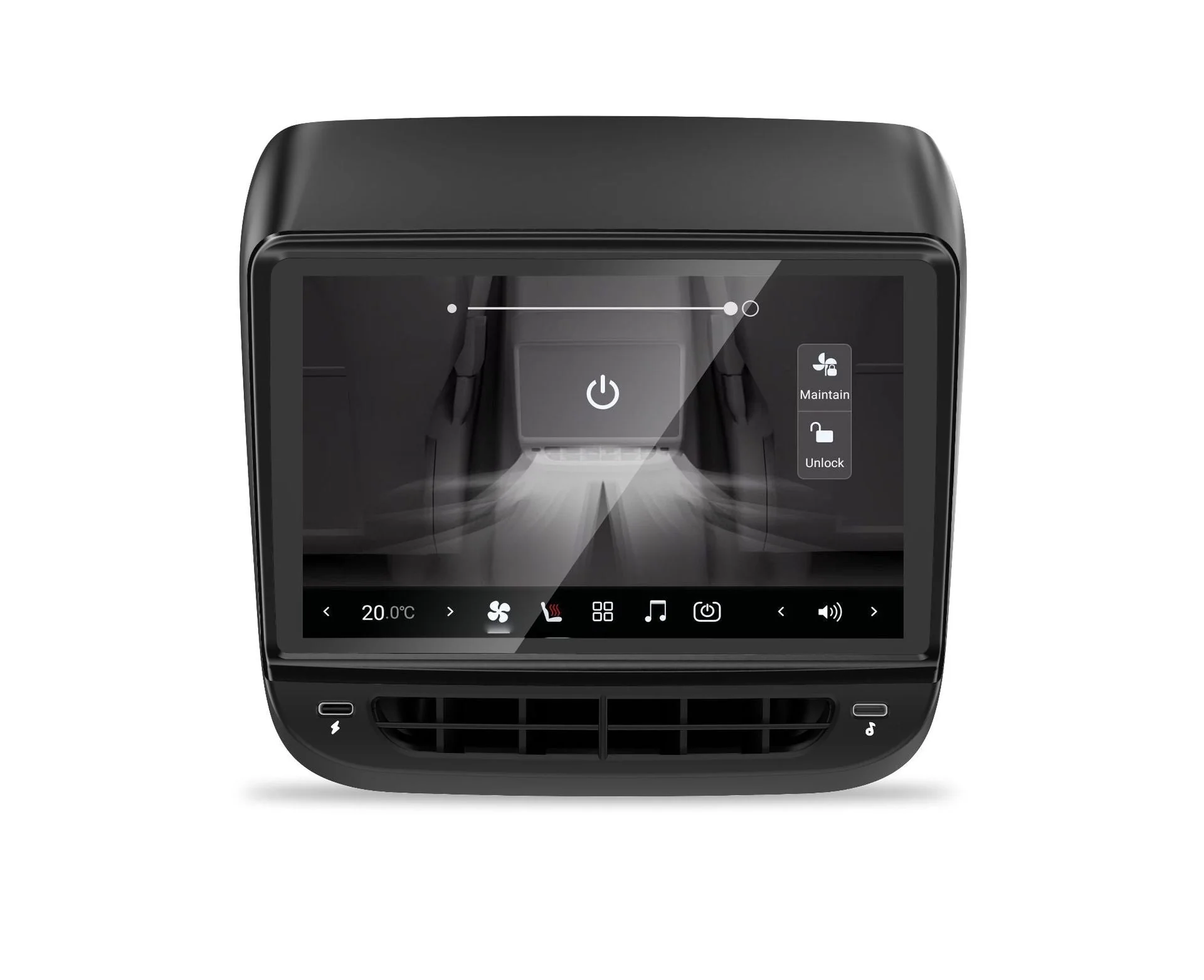
This written guide section is reserved for the transcript summary and viewer Q&A for this long form. Use it alongside the video while working through the Screens & Head Units project for Tesla.
What this video covers
(show chapters)
| Timestamp | Description |
|---|---|
| 00:00 | Unboxing |
| 04:31 | Side-by-side comparison |
| 05:33 | Removal |
| 07:34 | PSA - DON’T LOSE THAT CLIP! |
| 08:58 | Installation |
| Timestamp | Description |
|---|---|
| 11:28 | Boot-up Test |
| 12:38 | Close it up |
| 14:04 | Tissue of truth test |
| 15:01 | Feature demo |
| 23:32 | End |
| Timestamp | Description |
|---|---|
| 00:00 | Unboxing |
| 04:31 | Side-by-side comparison |
| 05:33 | Removal |
| 07:34 | PSA - DON’T LOSE THAT CLIP! |
| 08:58 | Installation |
| 11:28 | Boot-up Test |
| 12:38 | Close it up |
| 14:04 | Tissue of truth test |
| 15:01 | Feature demo |
| 23:32 | End |
Before you start
- Watch the full video once before starting the job.
- Check the video description for product links, tools, notes, and any pinned updates.
- Test-fit parts before final mounting, especially around trim panels, screens, cameras, wiring, and adhesive-backed accessories.
After installation
- Test the upgrade before fully reassembling trim pieces.
- Confirm vehicle functions still work as expected.
- Revisit the YouTube comments for viewer questions, updated fixes, or compatibility notes.
Viewer comments and Autos N Gizmos replies summarised from the public YouTube comments during the latest refresh.