
Project notes
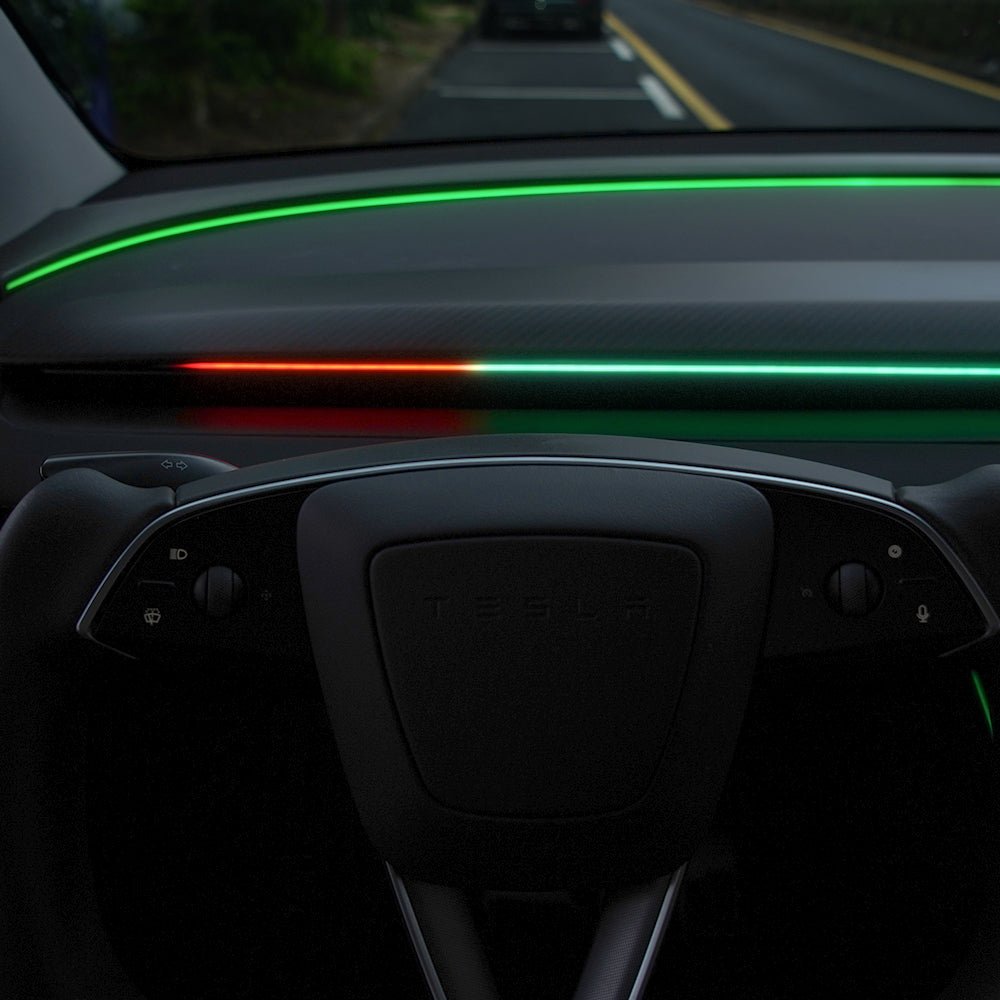
This guide covers the TESERY NeuroLight Smart BSD Ambient Light installation on a right-hand-drive 2022 Tesla Model Y. The project focuses on fitting the light strip neatly, reducing windscreen reflection, and keeping the blind spot indicators visible in daylight.
What this video covers
(show chapters)
| Timestamp | Description |
|---|---|
| 00:00 | Introduction |
| 00:42 | Unboxing |
| 03:51 | Prep the light strip |
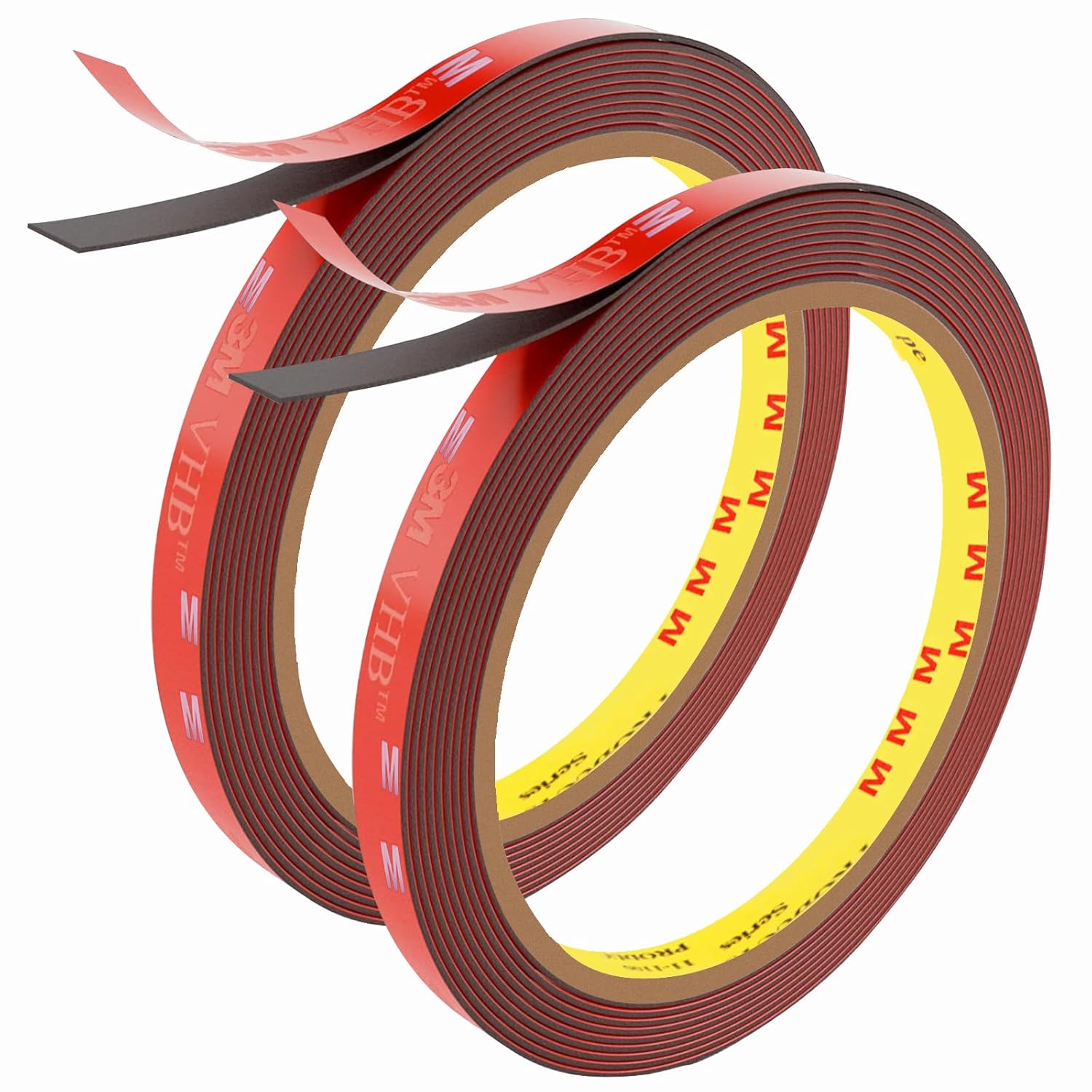
| 05:35 | Avoid the hassle, use a double-sided foam tape instead |
| 07:06 | Installation |
| 22:31 | How to customise your Tesery Neurolight |
| 28:37 | Understanding the indicators |
| 31:52 | Summary |
Before you start
- Watch the video once before beginning so you understand where the light strip sits and how the wiring is routed.
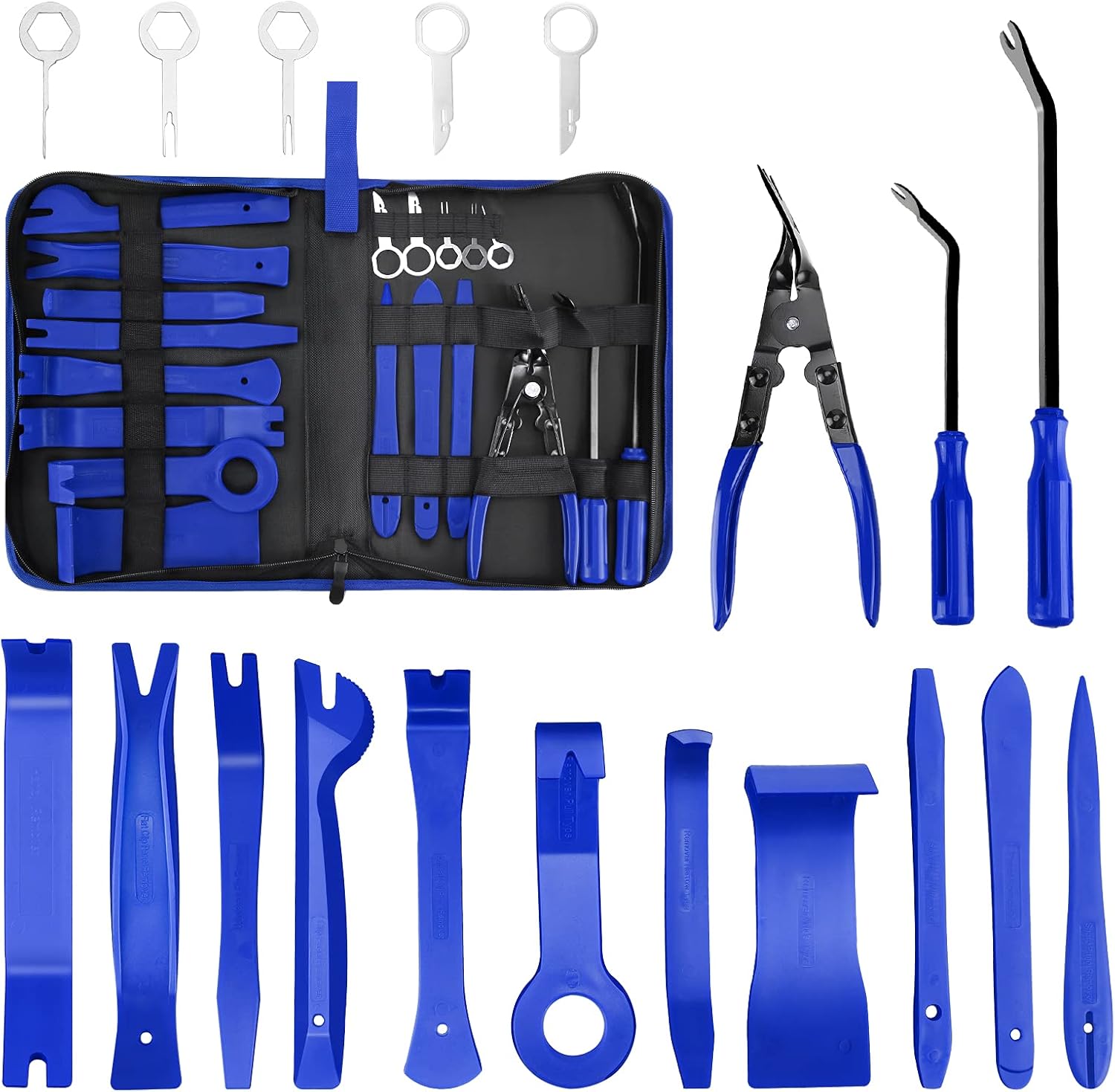
- Work slowly around trim pieces and use plastic pry tools to avoid marking interior panels.
- Check the light strip position before final mounting, especially around areas that can reflect onto the windscreen.
Prepare the light strip
- Dry-fit the TESERY light strip before removing adhesive backing.
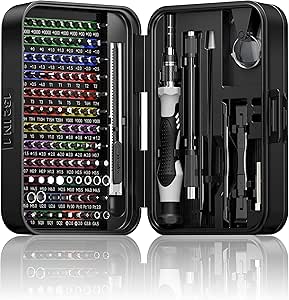
- Use precision tweezers and trim tools to help guide the strip into tight interior gaps.
- If the supplied adhesive is awkward to work with, use double-sided foam tape as a cleaner alternative.
Install and test
- Install the strip in stages rather than committing the full length at once.
- Check that the light path does not create a hard reflection across the windscreen.
- Test the indicators in daylight and in low light so the final position is both visible and comfortable.
Customise the TESERY NeuroLight
- Change light colour by holding the right scroll wheel to the right for two or more seconds, then scroll up or down one notch at a time.
- Change light mode by holding the left scroll wheel to the left for two or more seconds, then pushing the left scroll wheel to the right.
- Change the left BSD indicator length by holding the left scroll wheel to the right until the light length changes. Do this while one of the left-hand side doors is open.
- Toggle between LHD and RHD by pushing the left scroll wheel down, then pushing the right scroll wheel to the left while still holding the left scroll wheel down.
Viewer comments and Autos N Gizmos replies summarised from the public YouTube comments during the latest refresh.